Elament
A downloadable game for Windows
About The Game
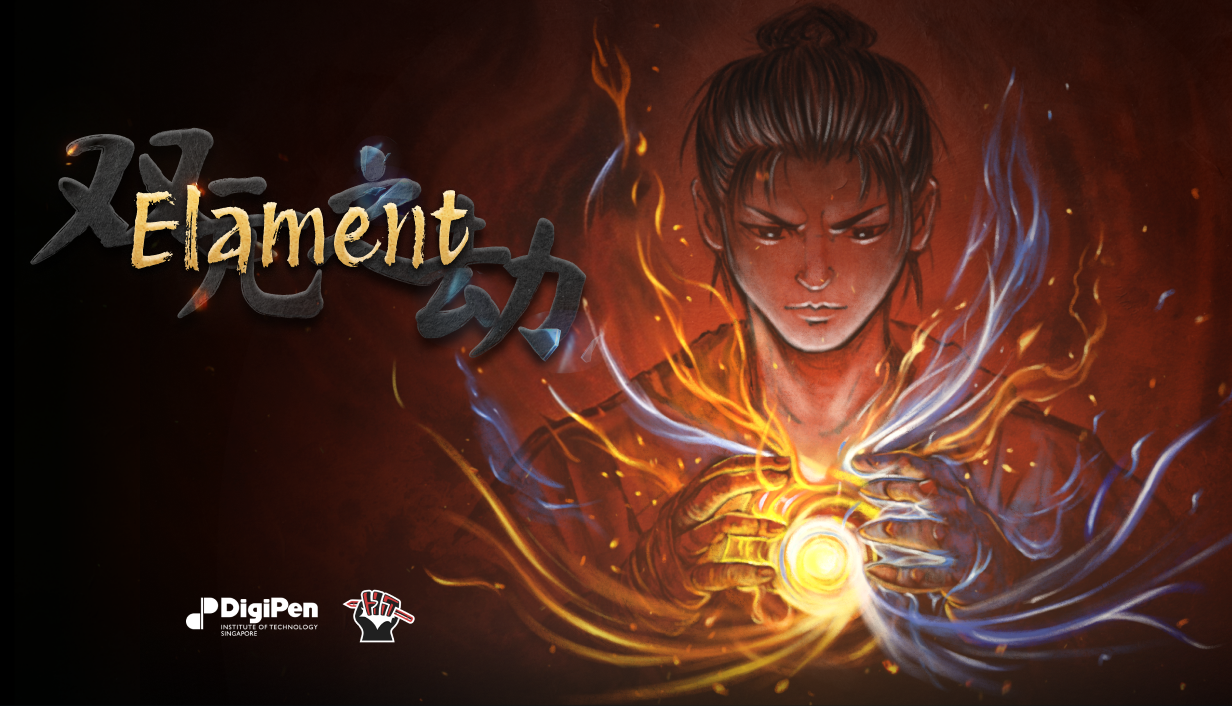
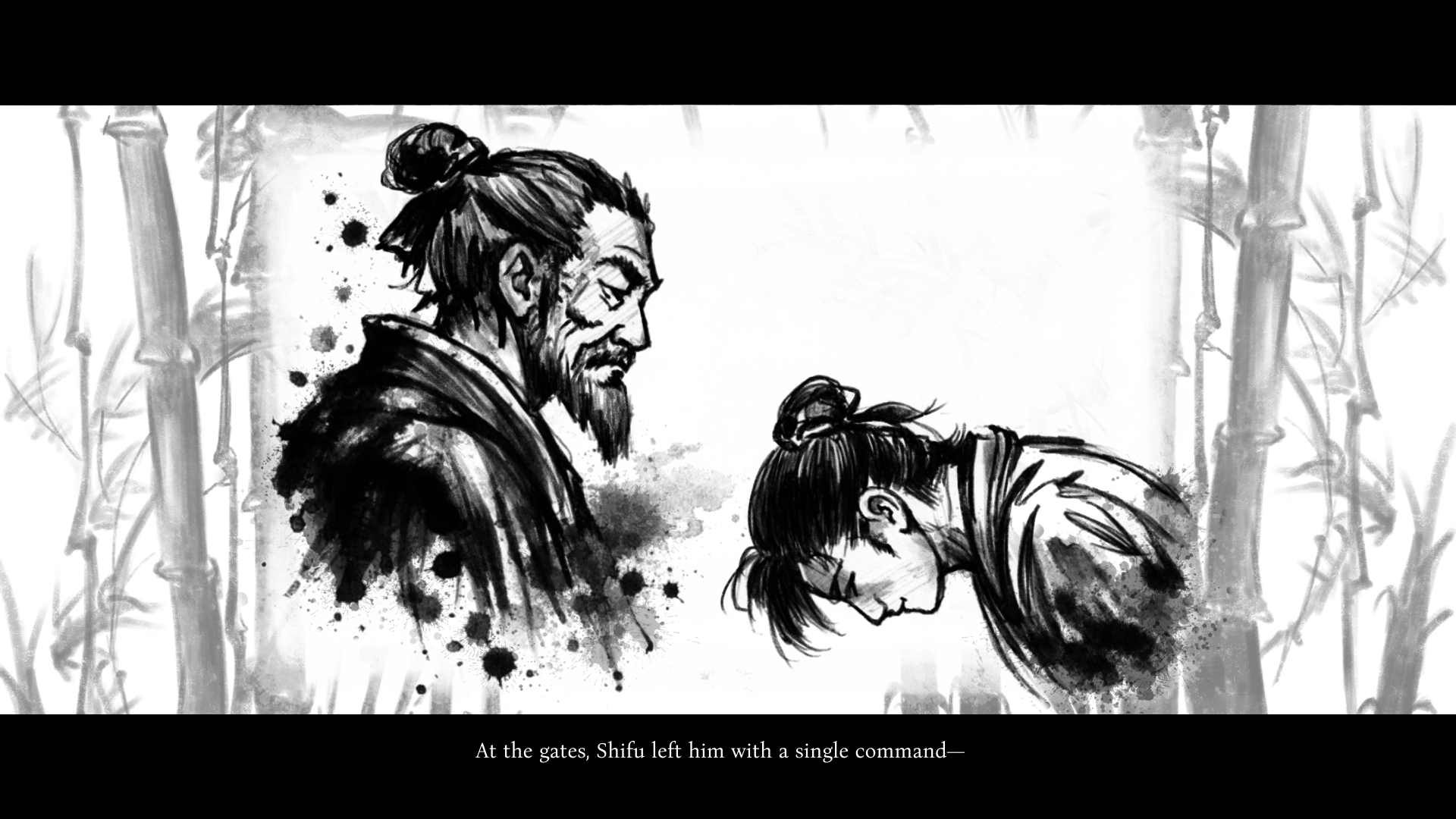
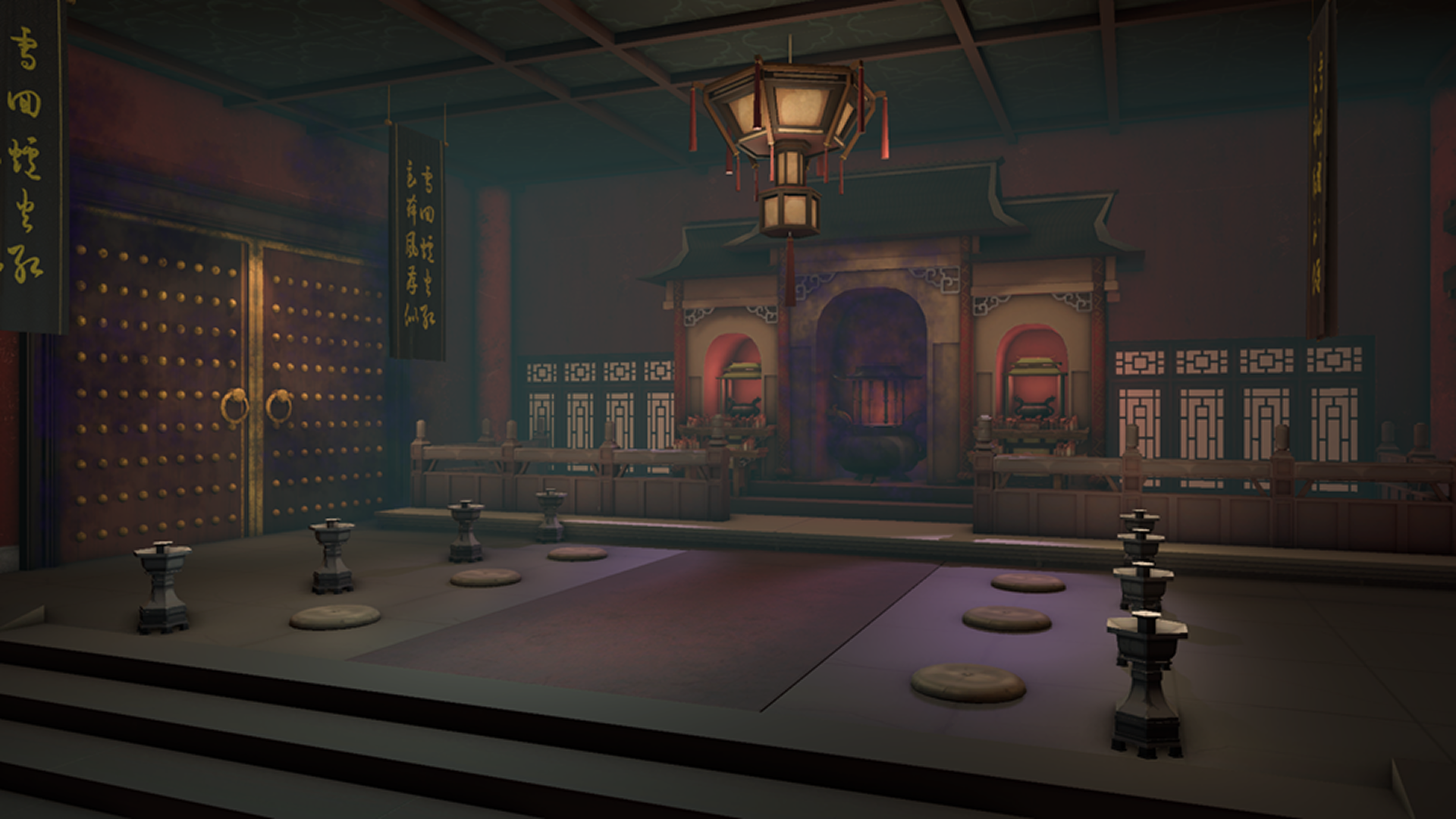
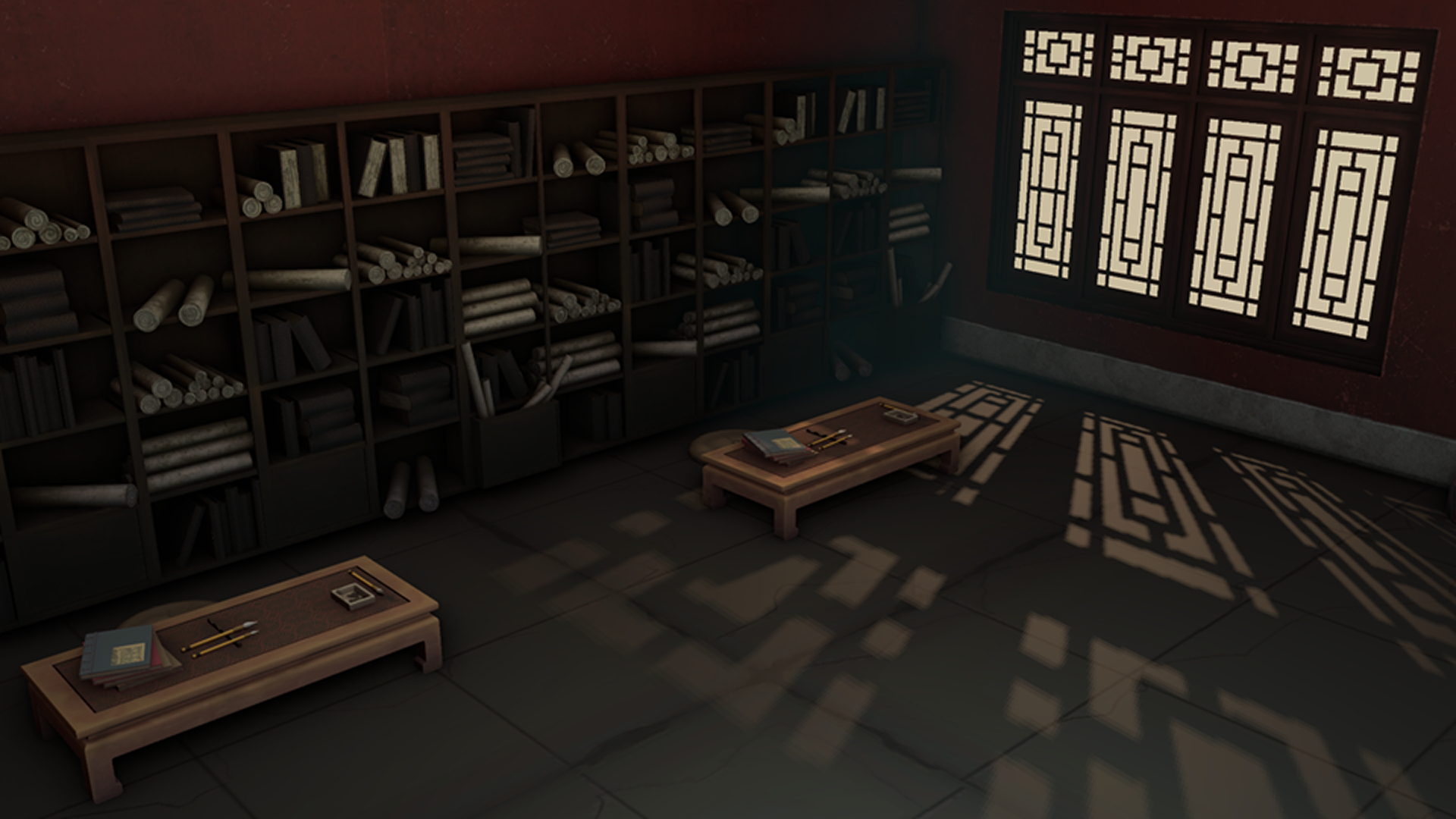
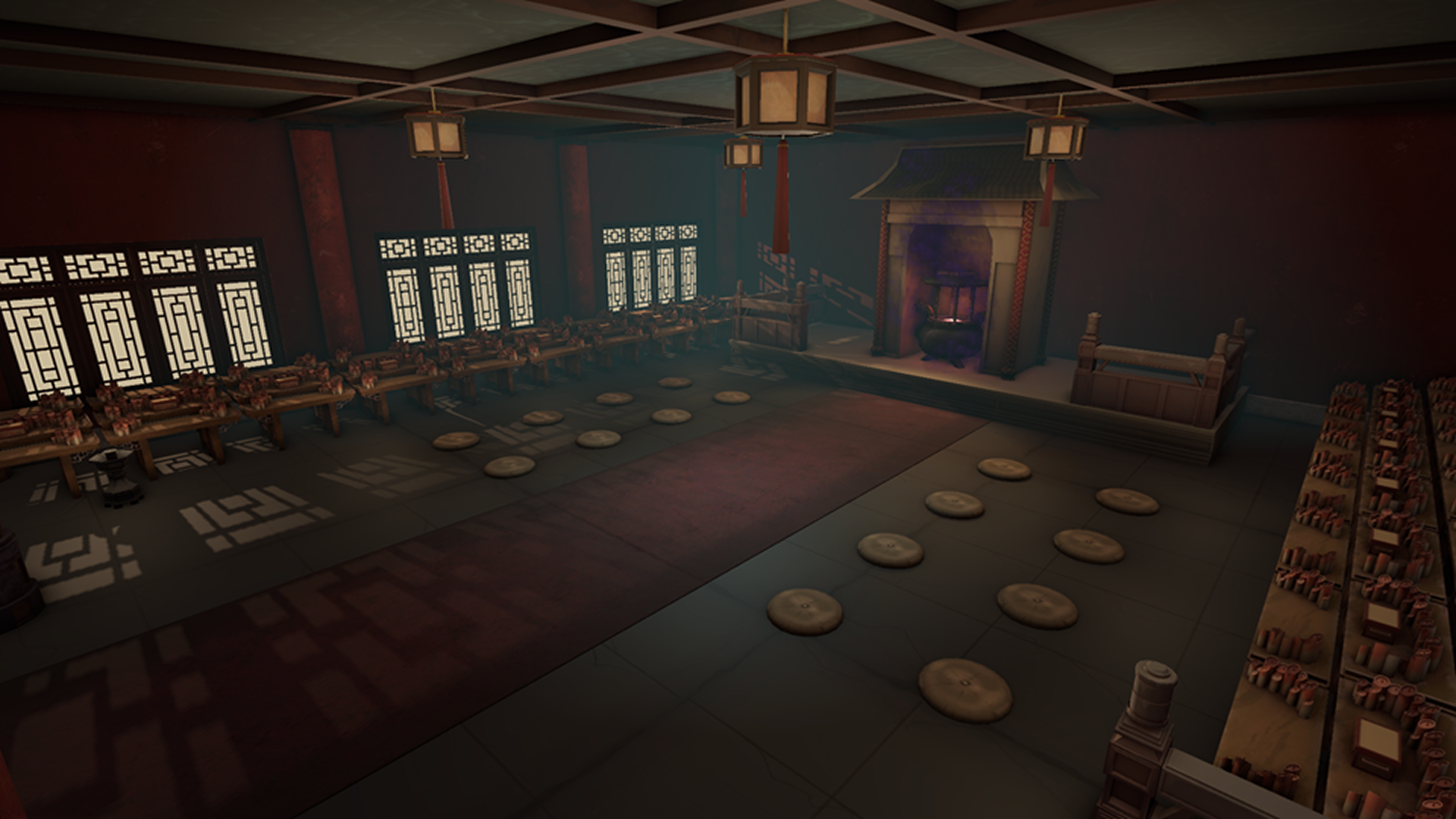
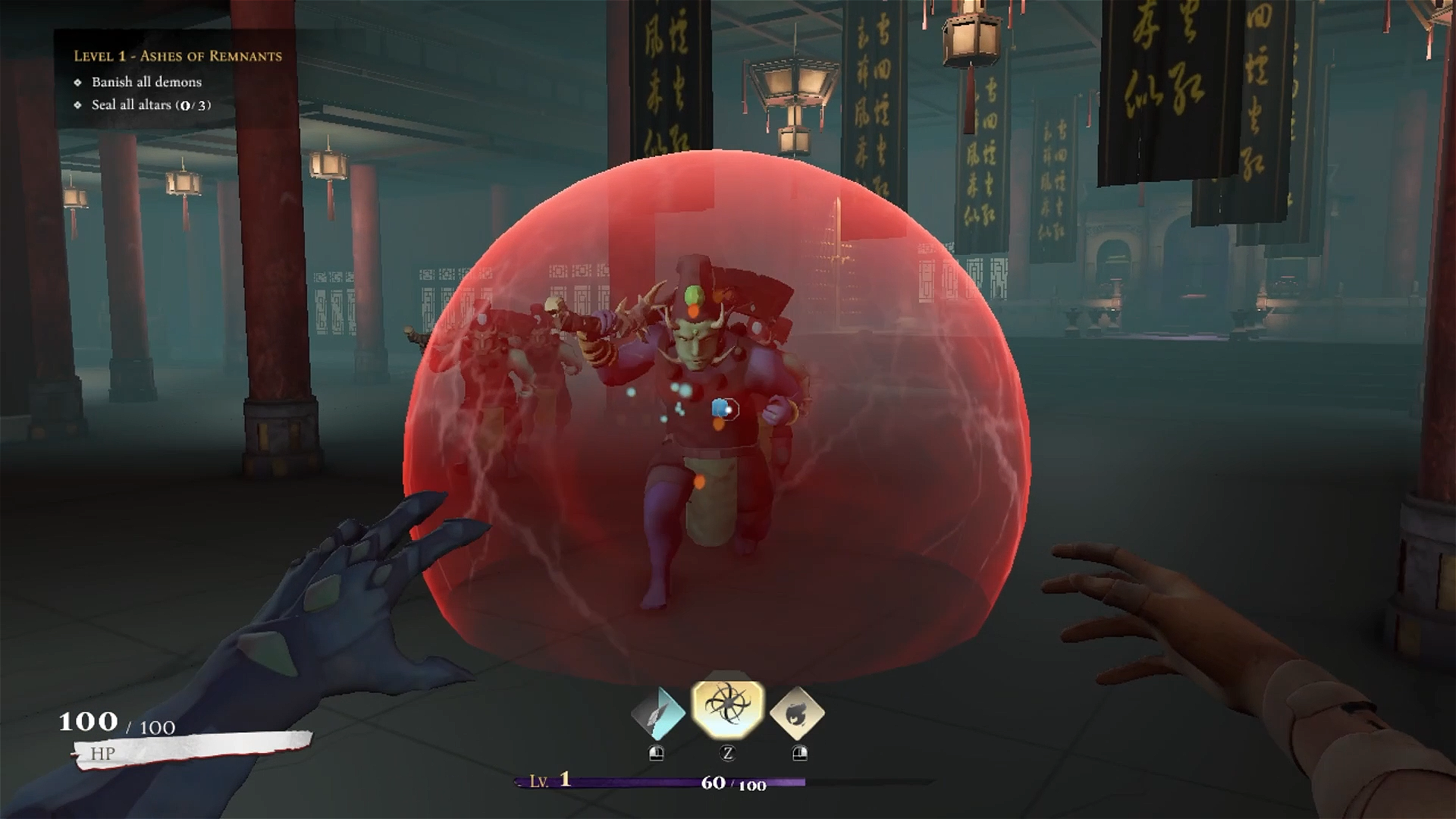
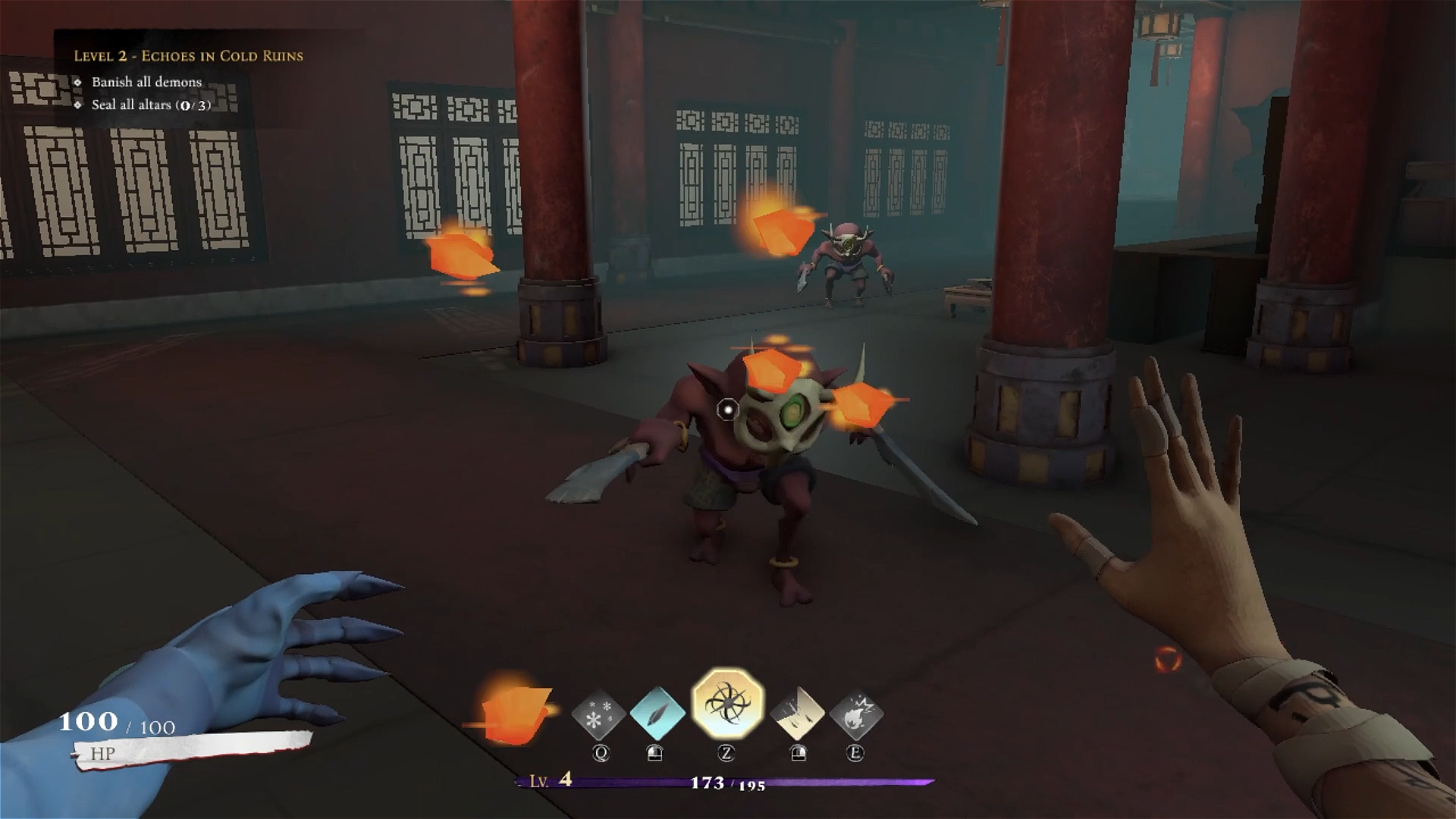
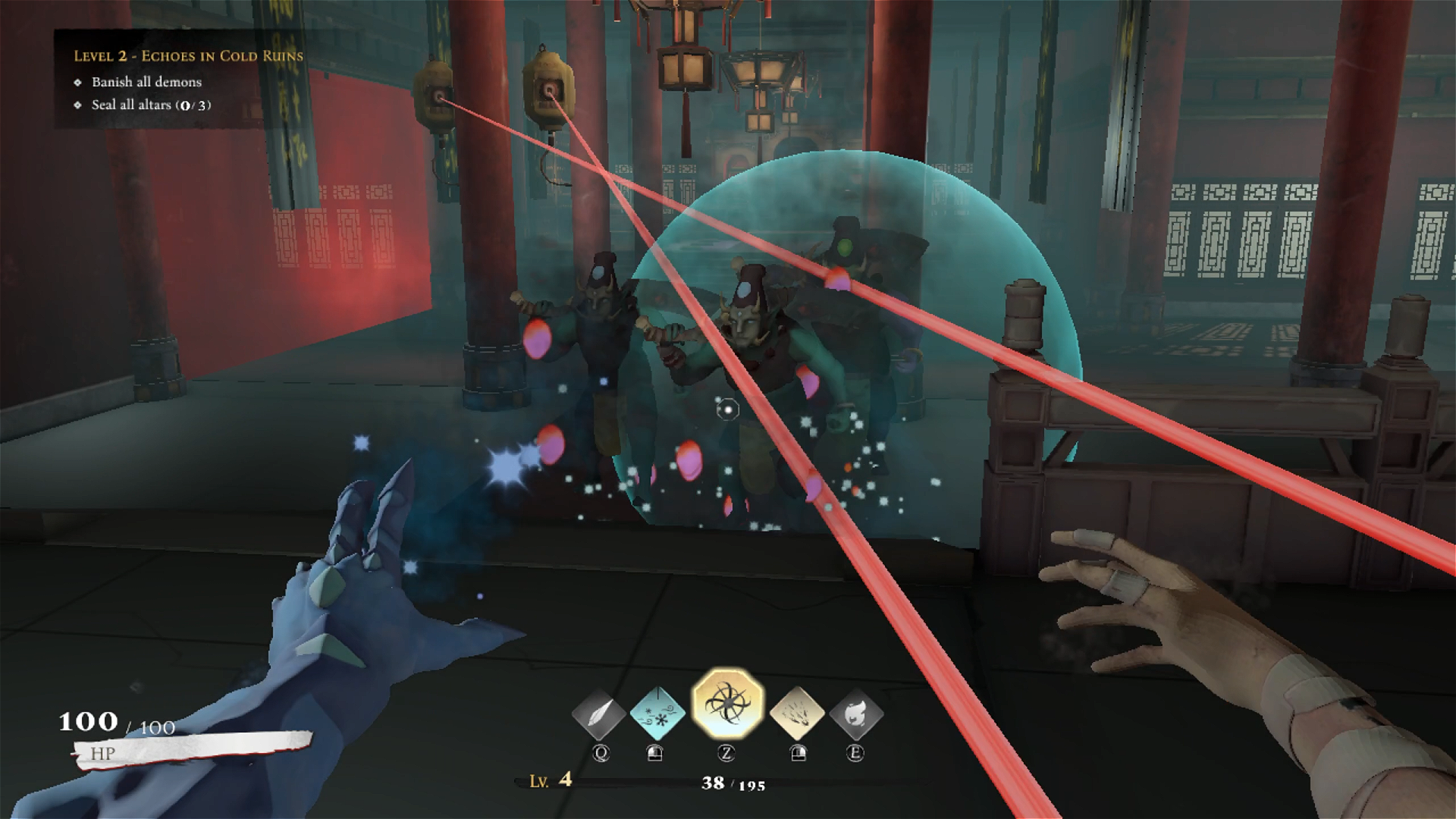
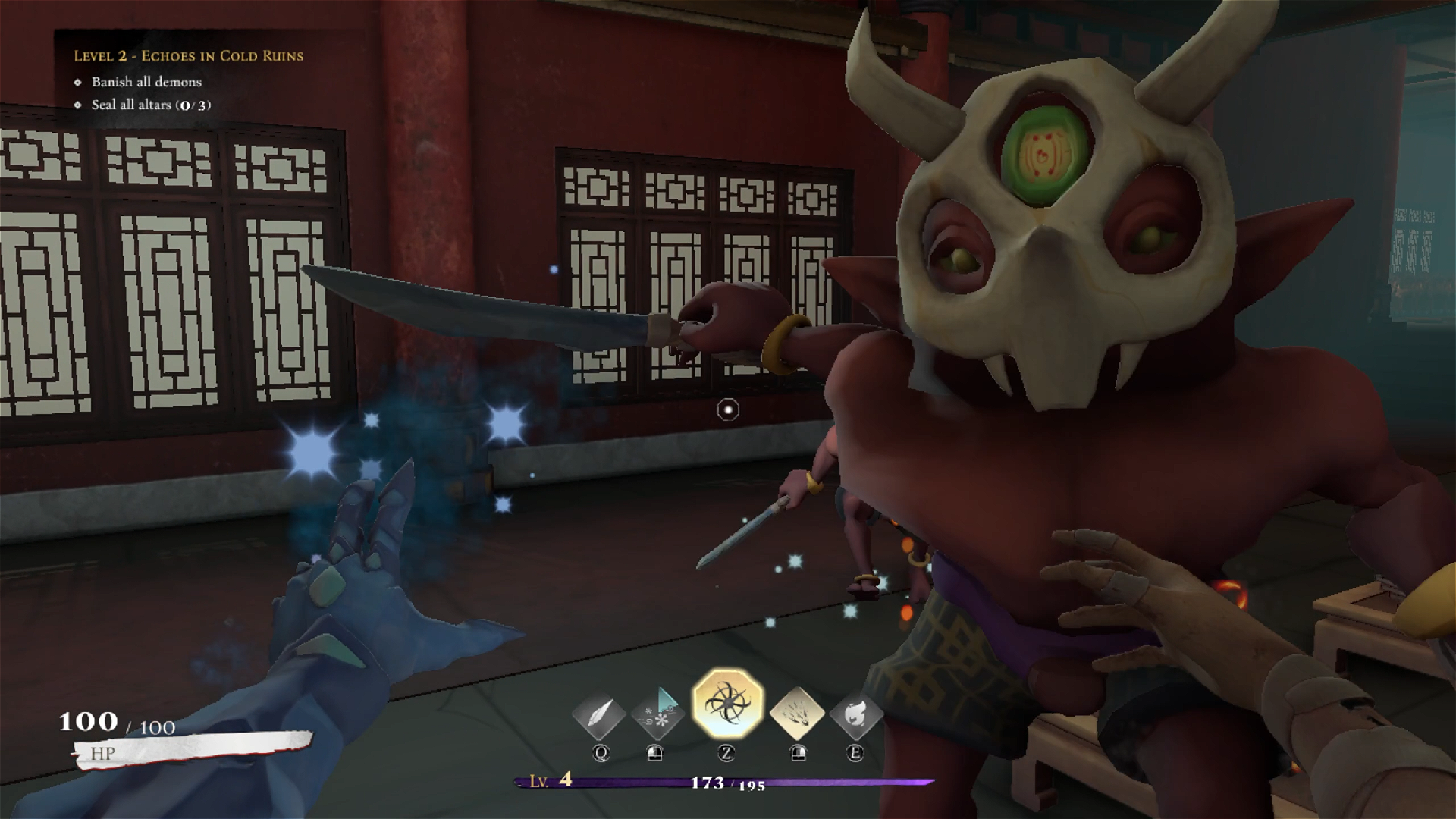
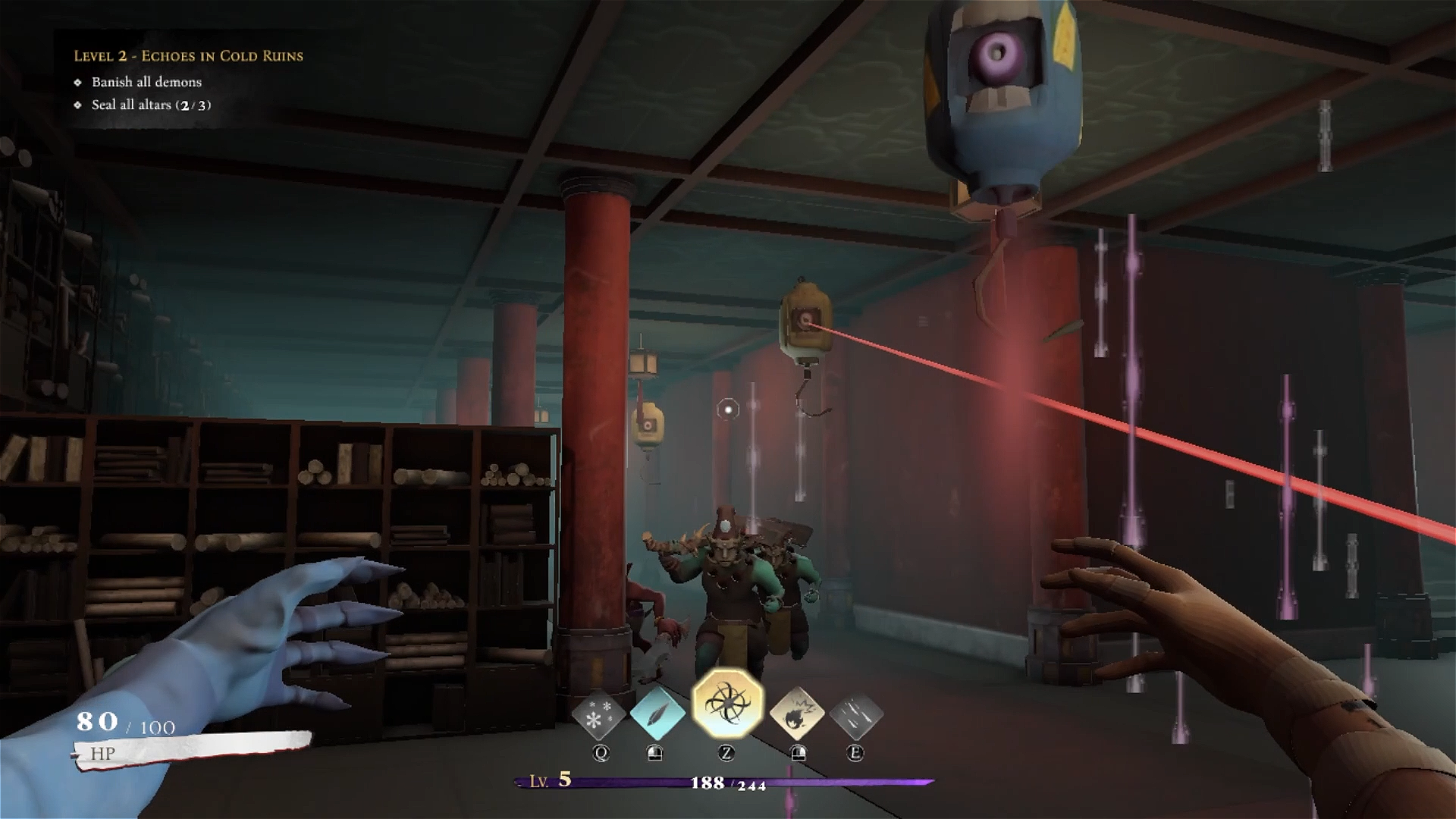
Elament is a first-person action-combat game where you play as Xing Dao, an elemancer disciple, fighting to reclaim the temple consumed by corruption. After years of elemental cultivation, you find your sacred home in ruins, overrun by demonic forces.
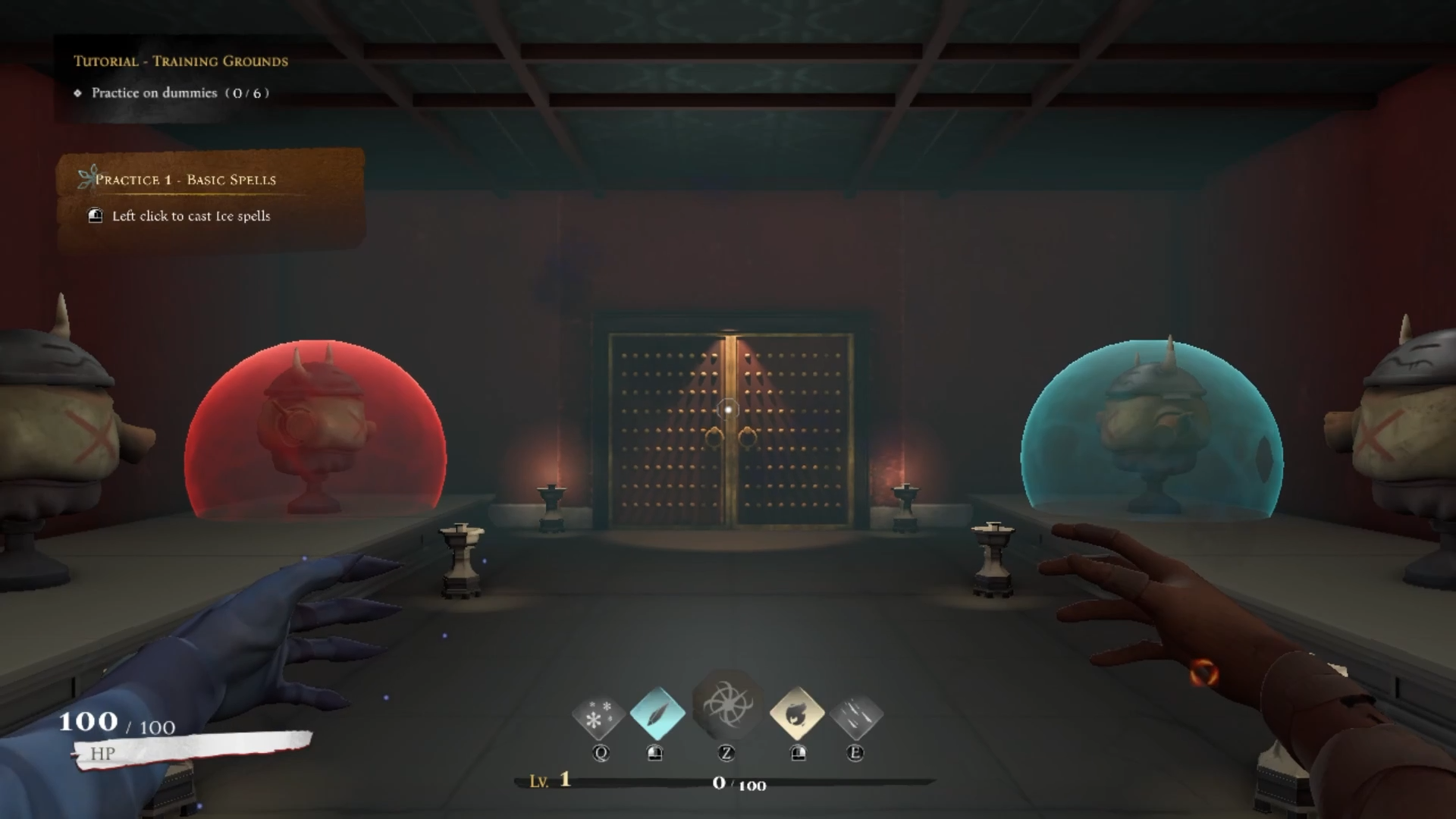
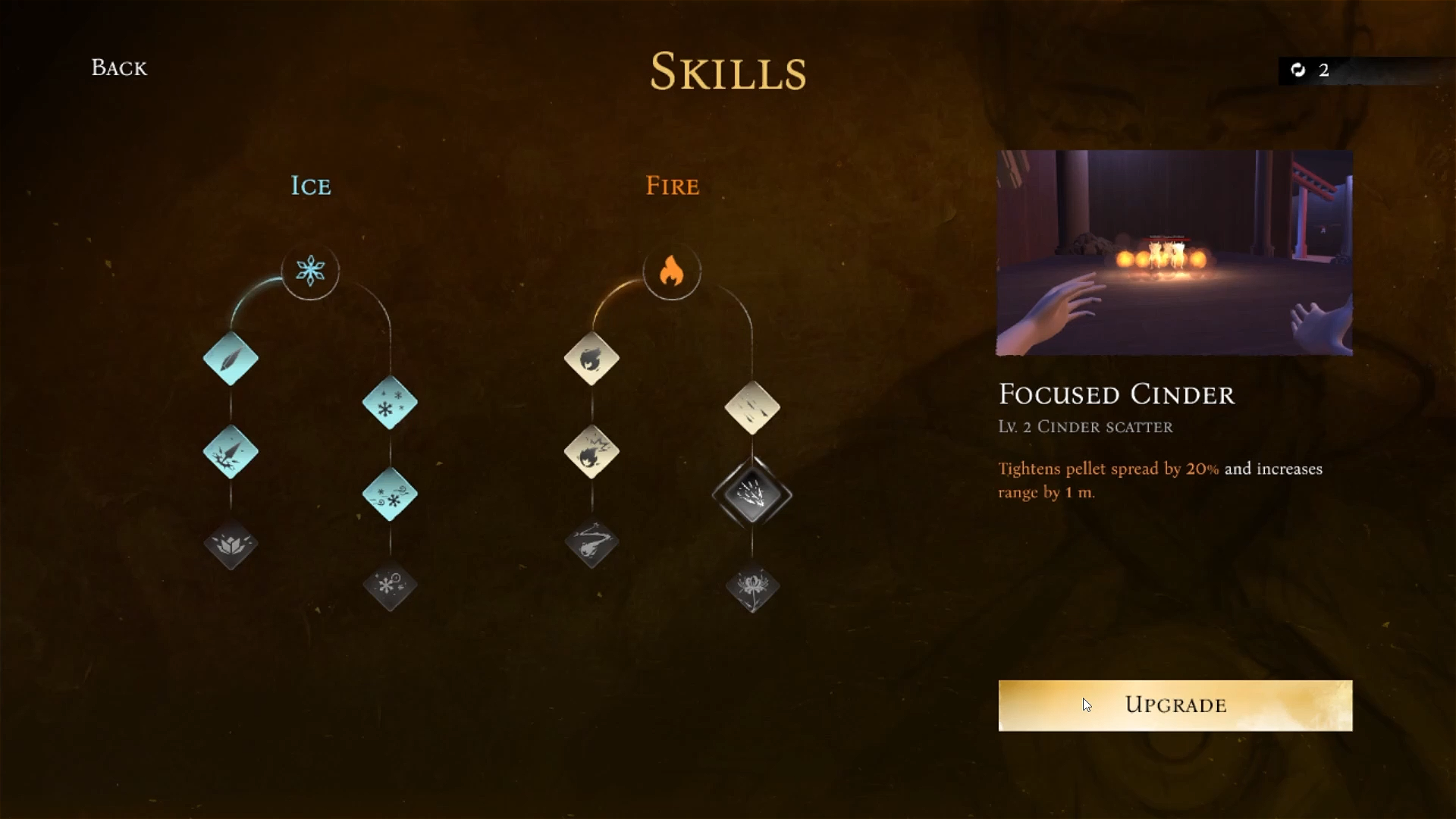
Master the elements of Ice and Fire, unleash powerful elemental reactions, and purge the temple to restore balance to the human realm once again.
Game Features
- 3 Levels
- 4 Elemental skill paths, 12 skills
Team Credits
A game by Team HIT
Project Manager: Pierre Lim Kia En
Assistant Project Manager: @sotongworks
Technical Lead, Graphics & Assets Programmer: Koh Swee Teck Dedrick
Assistant Technical Lead, Audio System & Scene Programmer: Pierre Lim Kia En
Lead Gameplay, Audio & UI Programmer: Chew Jun Liang
Scripting & Game Enemy Programmer: Hong Xian Xiang
Game Combat & Audio Programmer: Darius Khoo Ian Siang
Navigation & Game Enemy Programmer: Chu Wei Yuan (Joel)
Physics & UI Programmer: Ryan Heng Hao Tian
Game Objective Programmer: Lee Yu Jie Brandon
Game Enemy Programmer: Ong Angie
Design Lead & UI Designer: @sotongworks
Game Designer: Malcolm Ho Soo Meng
Combat Designer: Darius Khoo Ian Siang
Level Designer: Cheong Jit Sheng, Toh Yun Ying Audrey
Audio Designer: Malcolm Ho Soo Meng
Voice Actors: Malcolm Ho Soo Meng, Cheong Jit Sheng
Art Lead, Environment, Lighting & VFX Artist: Toh Yun Ying Audrey
Character, Player Animator & VFX Artist: Chen Shuyi
Concept Artist & Enemy Animator: Clayton Chan Kaide
Cutscene Artist & Illustrator: Cheong Jit Sheng
Team Logo: Ong Angie
Special Thanks
Design & Production Advisor: Kwek Shie Sien (Jonathan)
Programming Advisors: Tomas Arce-Gil, Rudy Darth Castan
Art Advisor: Pak Zhi Heng (Lawrence)
Audio Advisors: Vuk Krakovic, Gavin Parker
Download
Install instructions
Disclaimer: when installing the game, the installer may prompt you to Restart your computer.
Please ensure that you do not have any unsaved programmes or work before installing the game.
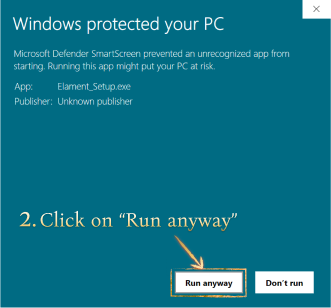
- A pop-up (like the image below) will appear upon opening the Setup installer. Click on the underlined "More info" in the pop-up.
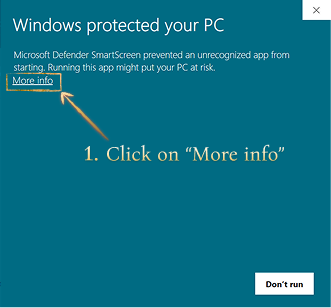
- Click on the "Run anyway" button.
- A User Account Control pop-up will appear asking to allow the app to make changes to your computer. Click on the "Yes" button.
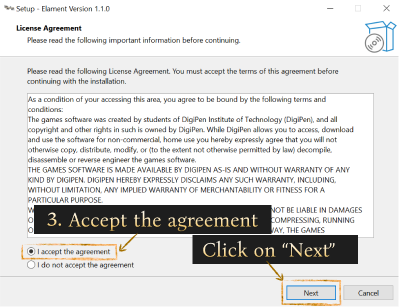
- In the License Agreement, check "I accept the agreement", then click on the "Next" button.
- Continue the Setup, click on the "Next" button in the next few pages.
- Wait for the game to install.
- Note: after installation, the installer may prompt you to Restart your computer. Click on "Restart".
Leave a comment
Log in with itch.io to leave a comment.